Televo IPTV UK brings live TV, sport, movies and box sets to any screen you already own, streamed over the internet rather than through an aerial or satellite dish. Plans start from £19.99, run up to HD, Full HD and 4K quality where the source and your device support it, and are delivered as an Xtream Codes login or an M3U playlist URL, whichever your IPTV app prefers. It works just as well for a UK household as it does for an expat, traveller or digital nomad who wants their usual UK channels wherever they happen to be.
Six plan lengths, from a low-cost £19.99 trial month up to a one-time Lifetime payment, so you can pick what suits how long you want access for. Prices shown are the actual checkout price for each plan, not a discounted headline figure.
One month of UK IPTV at an entry-level price, delivered as an Xtream Codes login or M3U playlist URL. Built for a proper first look at the service, or for short trips and short-term stays.
One month of UK live TV, sports and movies
Delivered as an Xtream Codes login or M3U playlist URL
Same channel and VOD library as our longer UK plans
Pick 1 Month, 6 Months, 1 Year, Premium, 3 Years or Lifetime, based on how long you want access for.
2
Check out
Enter your details and complete payment. No account or long forms required.
3
Get your login
We email an Xtream Codes login or M3U playlist URL, plus a setup guide, usually the same day.
4
Add it to your app
Enter the details into a compatible IPTV app on your device and start watching.
Which IPTV UK Plan Should You Choose?
IPTV UK, 1 Month (£19.99)
A short, low-cost way to properly test the service, a single trip, or a short-term let, before committing to a longer plan.
6-Month IPTV Subscription (£40)
A 6-month plan suits viewers who want longer than a single month to properly test reliability, channel availability and streaming quality on their own connection, without committing to a multi-year plan. It's worth checking device compatibility, whether the channels and VOD content you actually want are included, and how EPG and catch-up work, before you decide if 6 months is the right length for you.
12-Month IPTV Subscription (£49)
Once you already know IPTV suits your setup, a 12-month plan is usually better overall value than renewing a shorter plan twice, and means one less thing to think about for a year. It still comes with the full channel and VOD library, streaming quality, EPG and catch-up you'd get on any other plan, plus ongoing customer support if anything needs sorting during the year.
3-Year IPTV Subscription (€159)
A 3-year plan suits viewers who are confident IPTV is their long-term setup and would rather pay once than manage renewals every year. It's the same device compatibility, features and support as our shorter plans, just locked in for longer. We can't guarantee uptime or availability over that whole period, since that depends on factors like your own connection too, but the plan itself doesn't expire until the three years are up.
Lifetime IPTV Activation (€190)
"Lifetime" here means a single one-time payment with no renewal date and no recurring charges afterwards, for as long as you want to keep using the service. It doesn't mean a contractual guarantee that the underlying service will run forever regardless of circumstances, just that once you've paid, there's nothing further to pay to keep your access active. It suits viewers who are certain they'll stick around well beyond three years and would rather not think about payments again.
Xtream Codes API and M3U Explained
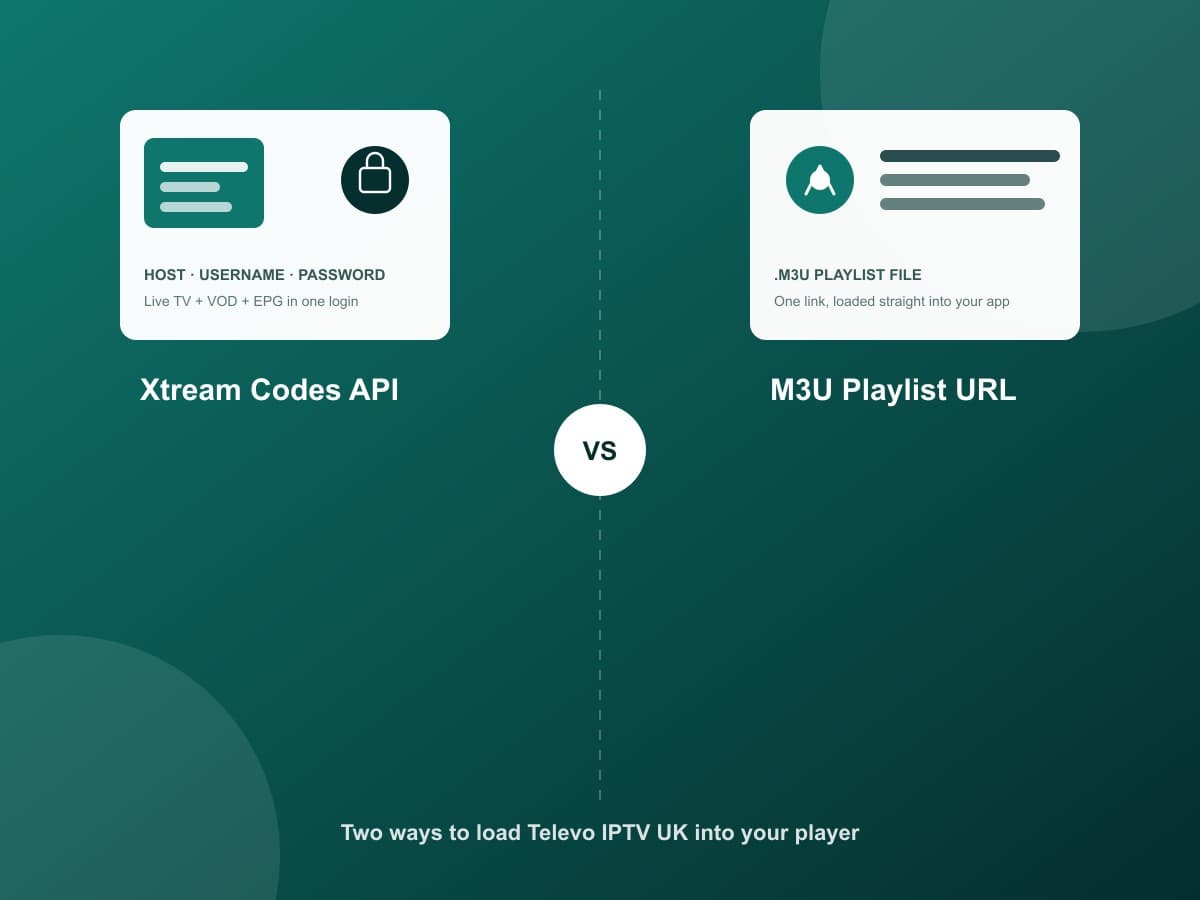
After checkout, we deliver your subscription in one of two formats. Understanding the difference makes setup on any app far less confusing.
What is the Xtream Codes API?
Xtream Codes is a login format made up of three details: a server address (a URL or host), a username and a password. Rather than downloading a file, your IPTV app connects directly to the server using these details, then pulls in live channels, the VOD library and the EPG automatically. It's the format most general-purpose players, including IPTV Smarters Pro and TiviMate, are built around, and it's usually the smoothest option because everything, live TV, on-demand and the guide, comes through one connection.
What is an M3U file?
An M3U file is a plain text playlist. Each line points to a channel or stream, and your IPTV app reads through the list to build your channel guide. It's a simple, widely supported format that's been used for media playlists for years, well beyond IPTV specifically.
What is an M3U URL?
Instead of sending you a file to download and re-upload every time something changes, we give you an M3U URL, a single link. Your app fetches the current playlist from that link each time you load it, so your channels stay up to date automatically. Apps like VLC, Perfect Player and OTT Navigator all accept an M3U URL directly.
Xtream Codes or M3U, which should you use?
If your app supports both, Xtream Codes is generally the easier setup, since VOD and EPG come bundled in automatically. If you're using a simpler player, or one that only accepts playlists, an M3U URL works just as well for live channels. We provide both formats with every Televo IPTV UK order, so you can set up whichever way suits your app.
IPTV Devices for UK Viewers
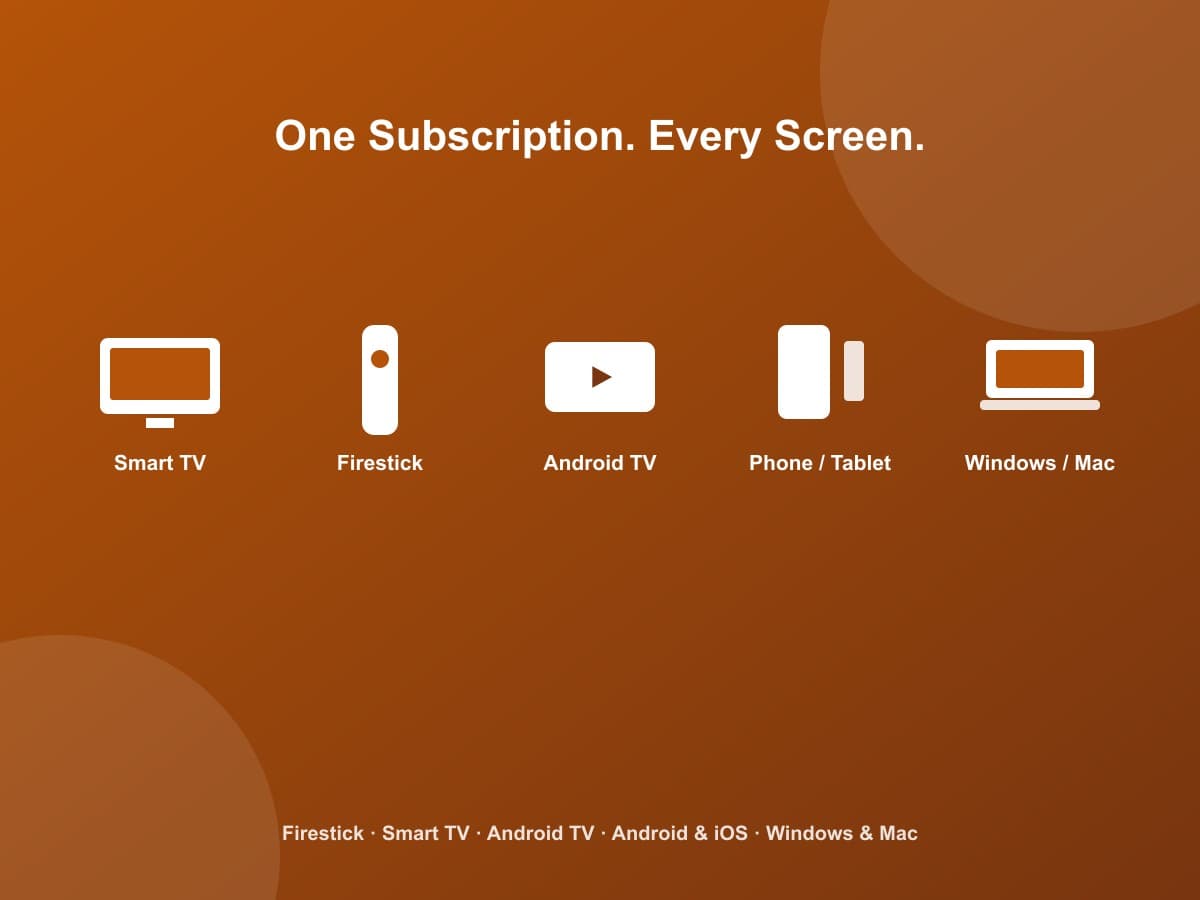
Exact app availability depends on your specific device and operating system version, but Televo IPTV UK is set up to work across:
iPhone and iPad, where a compatible app is available
Windows and Mac computers
MAG set-top boxes
Best IPTV Apps to Pair With Televo IPTV UK
These are independent, widely used IPTV player apps that accept an Xtream Codes login or M3U URL. We don't develop, own or officially partner with any of them, they simply play back the subscription you already have.
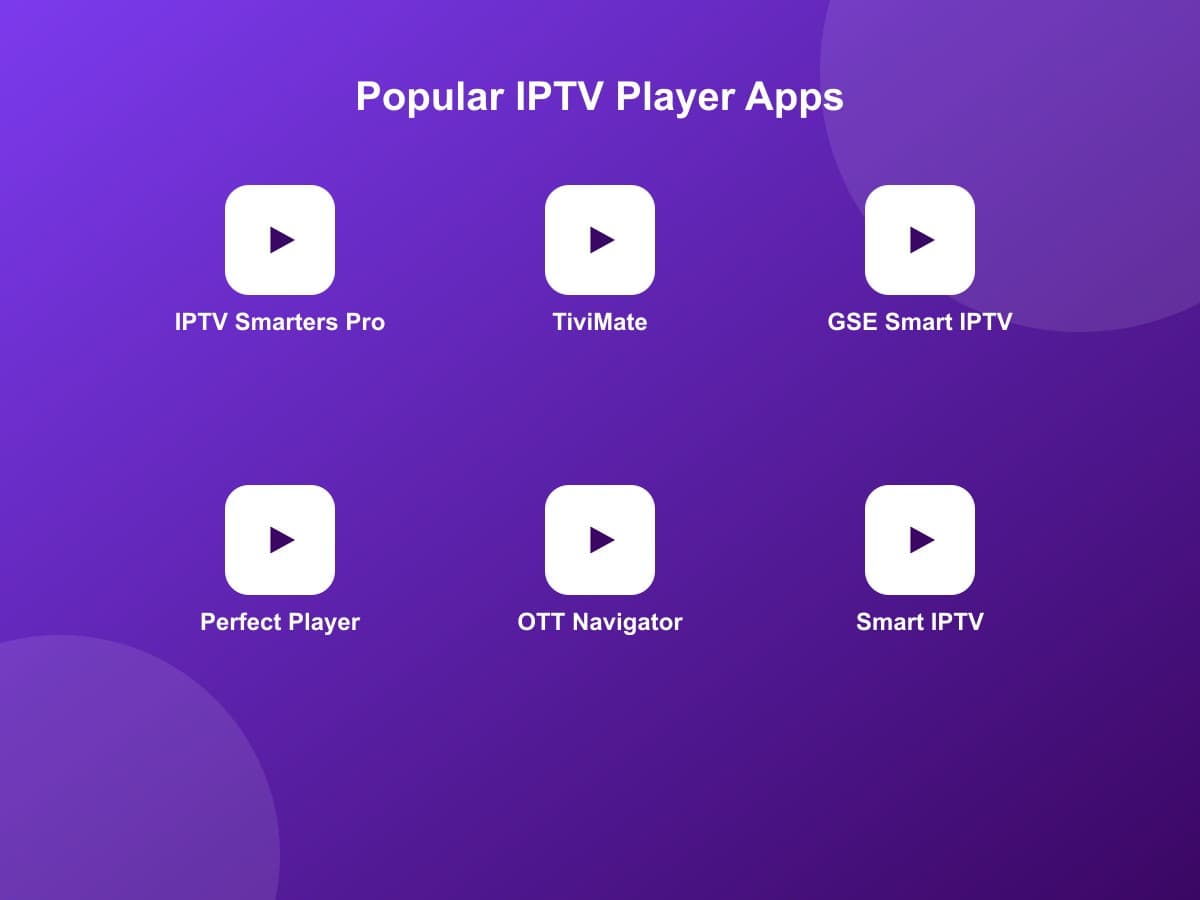
IPTV Smarters Pro
Android, iOS, Windows, Amazon Fire TV
One of the most widely used general-purpose IPTV players, supporting M3U playlists and Xtream Codes logins across most major platforms.
Beginner-friendly
TiviMate
Android TV, Amazon Fire TV
Popular on TV-first devices for its EPG-focused layout, making it easier to browse channels and schedules on a big screen.
Beginner-friendly
GSE Smart IPTV
Android, iOS, Windows, Apple TV
A flexible multi-platform player that supports M3U and Xtream Codes, useful if you switch between an iPhone and other devices.
Better suited to more experienced users
Perfect Player
Android, Windows
A straightforward player with solid M3U playlist support, often chosen for its simple interface.
Beginner-friendly
OTT Navigator
Android, Android TV, Amazon Fire TV
Highly configurable, with more advanced settings than most players, so it suits customers who like fine-tuning their setup.
Better suited to more experienced users
XCIPTV Player
Android, Amazon Fire TV
A Firestick-focused player supporting Xtream Codes and M3U logins with a TV-friendly interface.
Beginner-friendly
Smart IPTV (SIPTV)
Samsung and LG Smart TVs
Commonly used directly on Samsung and LG Smart TVs, where it can be installed from each brand's app store.
Beginner-friendly
Adding your details to an app, in short
1. Install a compatible app from your device's app store.
2. Choose to add a new Xtream Codes account or M3U playlist.
3. Enter the server, username and password, or paste your M3U URL.
4. Save, let the channel list load, and start watching.
IPTV UK for Expats, Travellers and Digital Nomads
Because IPTV streams over the internet rather than through a satellite dish or aerial, it doesn't care whether you're on your sofa in Manchester or in a rented flat in Lisbon. As long as you have a reasonable internet connection, the same login works. That's particularly useful if you're a British expat who misses UK channels, a long-term traveller who wants familiar viewing on the road, or a digital nomad who moves between countries and would rather not set up a new streaming service every time.
Works on the devices you already travel with
Your laptop, phone or tablet is usually enough. There's no dish or box to carry, so setup abroad is exactly the same as setup at home, just your Xtream Codes login or M3U URL entered into an app.
Pairing with a VPN
Some travellers prefer to run a VPN alongside their IPTV subscription for extra privacy on unfamiliar networks, such as hotel or airport Wi-Fi. If that's you, see Privacy VPN, All Locations, which isn't required to use Televo IPTV UK but pairs well alongside it.
HD, Full HD & 4K IPTV Quality
HD, Full HD and 4K describe increasing levels of picture resolution. Which one you actually get depends on the source quality of the specific channel or content, whether that content is available at that resolution at all, your device's own display resolution, your internet connection and Wi-Fi conditions, and the app or player you're using. Not every channel is available in 4K. We show it accurately as 4K quality where supported, rather than promising it across the board.
What Should You Look For When Choosing an IPTV Subscription in the UK?
Channel and content selection
Check that the specific channels and content you actually want to watch are included before you buy.
Streaming quality
HD, Full HD and 4K aren't the same thing. Confirm what quality is realistically available for the content you watch most.
Device compatibility
Confirm the provider supports your TV, streaming box or app before committing to a plan length.
EPG
An electronic programme guide makes it far easier to see what's on and plan your viewing, rather than guessing.
Catch-up
Being able to replay a programme you missed is genuinely useful, but check which channels actually support it.
VOD
Expect a library of movies and series alongside live channels, and check it's updated regularly.
Reliability
Stable playback depends on the provider and your own internet connection, so a decent connection matters as much as the plan you choose.
Support
Setup questions and occasional issues are normal, so check there's someone to actually contact when you need help.
Pricing
Compare the total cost of a subscription over its full length, not just a monthly-equivalent figure, since longer plans often work out cheaper overall.
Test before buying
Requesting a test first lets you confirm the service actually works well on your specific device and connection before you pay for a full plan.
Why Customers Choose Televo IPTV UK
Plans from £19.99, with clear, upfront pricing and no hidden fees.
Six plan lengths, from a 1-month trial to a one-time Lifetime payment.
Both Xtream Codes API and M3U URL provided with every order.
Device compatibility across Firestick, Smart TV, Android TV, phones and computers.
VOD, EPG and catch-up included as standard, not sold separately.
A free test available on request before you commit to a plan.
Real support by email, WhatsApp and chat, not just an automated form.
Works the same whether you're watching in the UK or abroad.
Not Sure Which IPTV Plan Is Right for You?
If you're unsure whether Televo IPTV will work well on your device and connection, get in touch and request a free test, subject to availability and our usual service terms. It's the simplest way to check picture quality and reliability on your own setup before you commit to a plan.
IPTV stands for Internet Protocol Television. Instead of receiving channels over an aerial or satellite dish, live TV and on-demand content are streamed to you over the internet.
How does IPTV work?
You use a compatible IPTV player app on a device like a Firestick, Smart TV or phone, then enter the login or playlist details from your subscription to load channels and content.
What is an IPTV subscription?
It's access to a provider's channel and on-demand library for a set period, such as 1 month, 6 months, 1 year, 3 years or a lifetime activation, rather than a rolling monthly contract.
Is IPTV available in the UK?
Yes. Televo IPTV UK is built specifically with UK viewers in mind, alongside our other IPTV plans.
What is an Xtream Codes API login?
It's a login made up of a server address, a username and a password. You enter those three details into a compatible IPTV app, and it connects to the server to pull down live channels, VOD and the EPG in one go, rather than loading a single playlist file.
What is an M3U file, and what is an M3U URL?
An M3U file is a plain text playlist that lists channel and stream links. Rather than sending you the file itself, we give you an M3U URL, a link your IPTV app fetches automatically, so your playlist stays up to date without you downloading anything manually.
Should I use Xtream Codes API or an M3U URL?
Either works. Xtream Codes is the more common choice in apps like IPTV Smarters Pro and TiviMate because it also brings in VOD and EPG data automatically. An M3U URL is simpler and supported almost everywhere, including VLC. If your app supports both, Xtream Codes is usually the smoother setup.
Is my M3U URL or Xtream Codes login private?
Yes, both are personal to your subscription. Don't share your link or login publicly, since anyone with it can access your account.
Which devices can I use?
Amazon Fire TV and Firestick, Samsung and LG Smart TVs, Android TV and Google TV, Android phones and tablets, iPhone and iPad where a compatible app is available, and Windows and Mac computers.
Can I use IPTV on Firestick?
Yes, Firestick is one of the most common devices our customers use. IPTV Smarters Pro and TiviMate are both widely used on Firestick and Fire TV, and our support team can help with setup.
Can I use IPTV on a Smart TV?
Yes, as long as your TV supports a compatible IPTV app. Message our support team if you're not sure which app to use on your model.
Do I need to buy an app separately?
Most of the apps we recommend, such as IPTV Smarters Pro, TiviMate and GSE Smart IPTV, are free to download. They're independent players, not developed by Televo IPTV, and they display the channels from your subscription rather than providing content themselves.
What is the difference between HD, Full HD and 4K?
HD, Full HD and 4K refer to increasing levels of picture resolution. Which quality you actually get depends on the source channel, your device, your app and your internet connection, not just your plan. Not every channel is available in 4K.
Does IPTV include VOD?
Yes, our plans include access to a video-on-demand library of movies and series alongside live channels.
What is an EPG?
An Electronic Programme Guide shows you what's on and when, similar to the guide you'd see on a standard TV service, so you can browse and plan what to watch.
What is catch-up TV?
Catch-up lets you watch programmes that already aired, for a limited window after broadcast. Availability depends on the specific channel and plan.
Can I use Televo IPTV UK while travelling or living abroad?
Yes. Since it streams over the internet rather than through a satellite dish or aerial, it works anywhere you have a decent connection, which is why it suits expats, travellers and digital nomads who want their usual UK viewing away from home.
Is there a short plan for a trip or short-term stay?
Yes, IPTV UK, 1 Month is priced from £19.99 and gives you the same channel and VOD library as our longer UK plans, just scoped to 30 days, which suits a single trip or a short stay better than a full year upfront.
Which IPTV plan should I choose?
It depends on how long you want access for and your budget. Shorter plans suit trying the service out, while longer plans work out better value if you already know it fits your setup.
Can I change my plan?
Yes, you can move to a different duration when your current plan is due for renewal, or upgrade at any time by placing a new order.
How do I actually order IPTV UK?
Pick a plan length, complete checkout with your details, and we'll email your Xtream Codes login or M3U URL along with a setup guide, usually the same day.
What do I do with my details once I receive them?
Install a compatible IPTV app on your device, choose to add a new playlist or Xtream Codes account, and enter the details we sent you. Most players are ready to watch within a couple of minutes.
Can I request a free IPTV test?
Yes, message our support team to request a free test, subject to availability. It's a good way to check the service works well on your device and connection before you commit.
Ready to Try IPTV UK?
Pick a plan from £19.99 and check out in a couple of minutes, or request a free test first if you'd rather check it works on your setup before you buy.